

Before You Start: What You Need
BCGame uses cryptocurrency for deposits and withdrawals. A local bank card or e-wallet alone cannot fund the account. You need a personal wallet or exchange account that allows transfers to an external address, plus a supported coin and the correct blockchain network.
Install an authenticator application before registration and use a password not shared with email, banking or social accounts. Users must be at least 18. Malaysian players must also consider federal gambling laws, state Sharia rules and MCMC access restrictions before taking part.
- A crypto wallet or exchange account with external withdrawals.
- BTC, ETH, USDT, LTC, DOGE, TRX or XRP.
- Extra funds for the blockchain network fee.
- A unique password, authenticator application and saved backup code.
- An understanding of the legal and financial risks in Malaysia.
How to Create Your BC.Game Account
Registration requires an email address or mobile number, a password and contact confirmation. Enter accurate information because inconsistent details can delay identity checks or withdrawals.
Registration in Five Steps
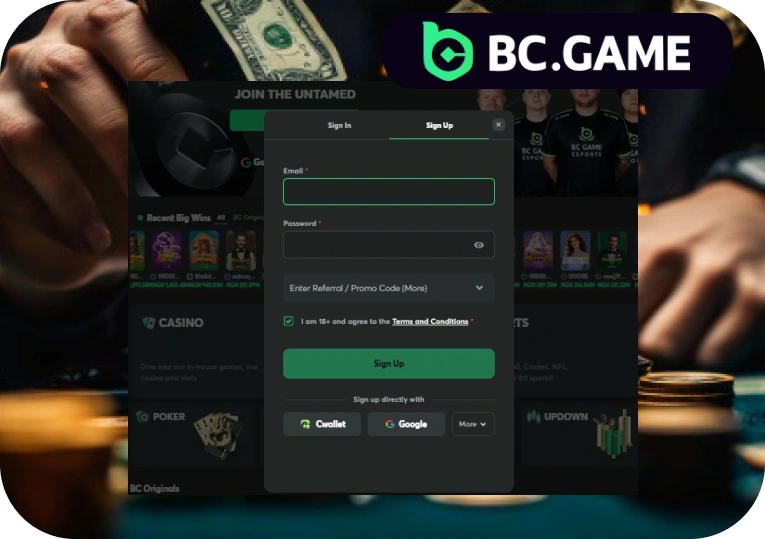
- Open the official BC.Game website and select Sign Up.
- Enter an active email address or phone number and create a unique password.
- Confirm that you meet the age requirement and accept the terms.
- Enter the verification code sent to your email address or phone.
- Sign in, review the account details and activate two-factor authentication.
How to Set Up Two-Factor Authentication
Two-factor authentication adds a time-limited code to account logins and withdrawals. It protects the account even if the password is exposed, because another person would still need access to the authenticator application.
- Open account settings and select the security or 2FA option.
- Choose an authenticator application.
- Scan the QR code and enter the current six-digit code.
- Save the backup key offline and keep it separate from the phone.
Never send the QR image, backup key or current authentication code to another person. Genuine support should not request a live authenticator code.
Account Verification (KYC): When and How
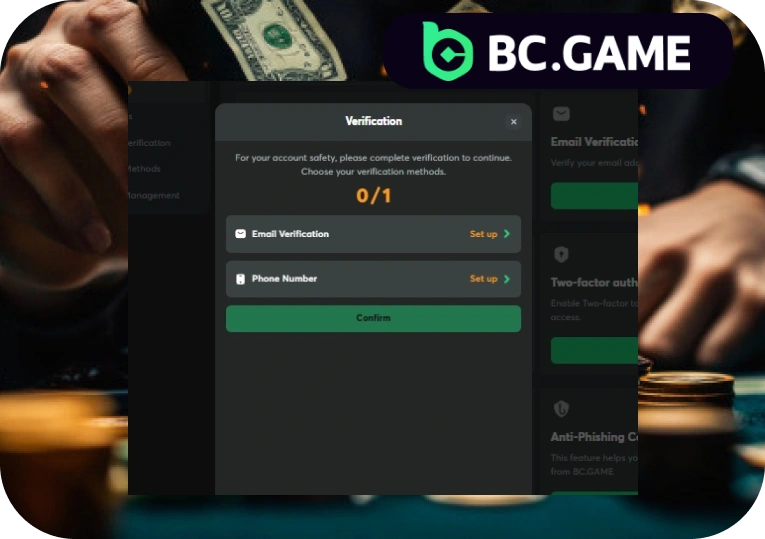
BC Game uses KYC checks to confirm the account holder’s identity, age and personal details. Some casino and sportsbook functions may be available before verification is completed, but verification is mandatory before withdrawal. Funds will not be released until the required checks have been approved.
- Open the verification section in the account settings.
- Upload a valid government-issued identity document.
- Submit an accepted proof of address showing the same name and address used on the account.
- Complete any requested selfie or liveness check and wait for the result.
A standard review usually takes 24 to 48 hours. Processing may take longer when documents are blurred, expired or incomplete, when account information does not match the submitted evidence, or when an additional security review is required. Completing KYC early can help prevent delays when a withdrawal is requested.
How to Deposit with Cryptocurrency
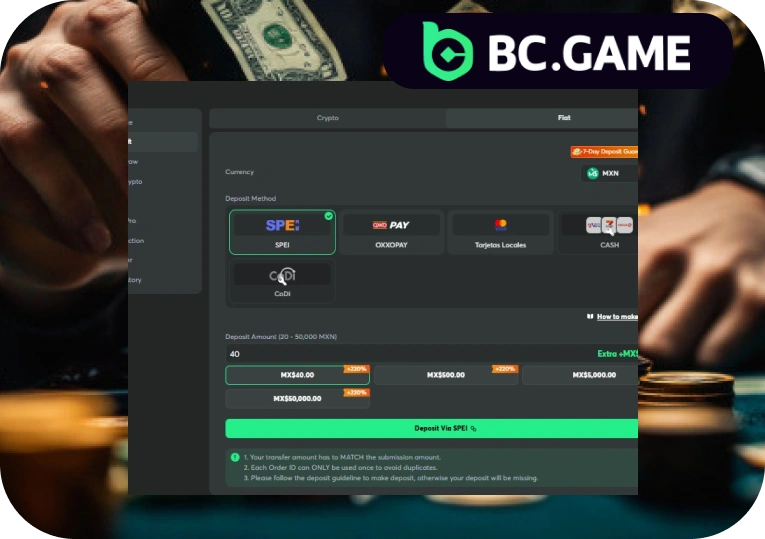
BC Game does not accept direct MYR bank deposits, FPX or Touch ‘n Go in the casino wallet. Users need a supported cryptocurrency obtained through a lawful exchange, P2P service or other provider available in their location. The purchased asset must then be transferred from a personal wallet or exchange account to the deposit address shown by BC Game.
The coin and blockchain network must match the cashier details. USDT on TRC-20 and USDT on ERC-20 use different transfer routes. Sending funds through an unsupported network may make recovery impossible. Before confirming a transaction, check the asset, network, deposit address, minimum amount and network fee.
Supported Cryptocurrencies and Networks
| Cryptocurrency | Typical Speed | Network Fee | Notes |
| Bitcoin (BTC) | 10-60 minutes | Variable | Busy periods can add confirmation time. |
| Ethereum (ETH) | 1-5 minutes | Variable | Fees rise when Ethereum traffic is high. |
| USDT (TRC-20) | Under 1 minute | Low | Select TRC-20 on both sides. |
| Litecoin (LTC) | 2-10 minutes | Low | Often cheaper than Bitcoin. |
| Dogecoin (DOGE) | 1-5 minutes | Low | Check the minimum amount. |
| TRON (TRX) | Under 1 minute | Low | Uses the TRON network. |
| XRP | Under 1 minute | Low | Some wallets require a destination tag. |
Times are estimates. Blockchain traffic and exchange processing can extend them.
Deposit Step by Step
- Sign in and open the BC Game wallet.
- Select Deposit and choose the cryptocurrency.
- Select the correct blockchain network.
- Copy the address or scan the QR code.
- Enter the amount, review the fee and send the transaction.
- Wait for the required confirmations and check the balance.
Keep the transaction hash until the deposit appears.
Common Deposit Errors and How to Avoid Them
A missing deposit often results from an unconfirmed transfer, wrong network or amount below the minimum.
- Wrong network: Match TRC-20, ERC-20 or another listed network exactly.
- Incorrect address: Compare the first and last characters before sending.
- Fee not covered: Leave enough crypto in the source wallet for the fee.
- Amount below minimum: Check the wallet limit before confirming.
- Unsupported exchange route: Confirm that the exchange supports the selected network.
A small test transfer can reduce address risk for a large payment, but it creates another fee.
How to Play Casino Games
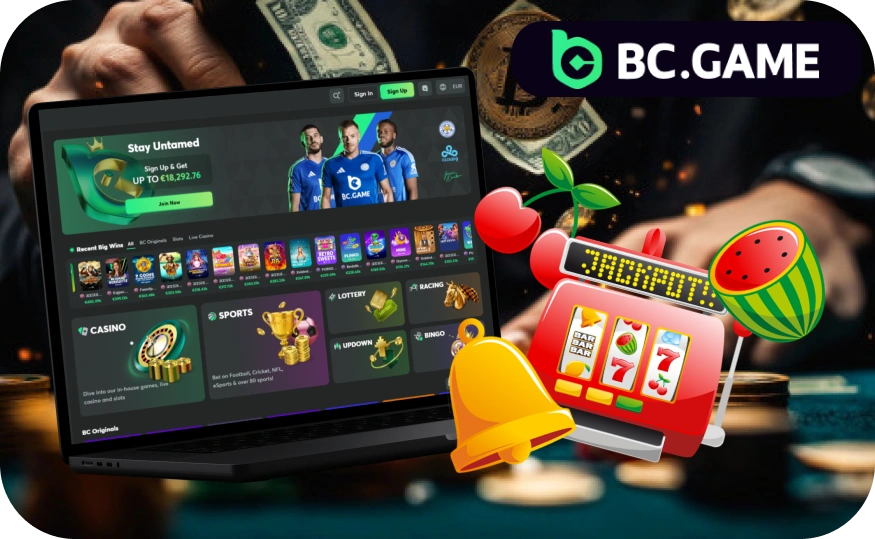
After the deposit is credited, open the casino lobby and use the search field, provider filter or game category to find a title. The catalogue includes BC Originals, slots, live dealer tables and games from Pragmatic Play, Evolution, Play’n GO, Nolimit City, Hacksaw Gaming and BGaming.
Select a game and check the minimum stake, RTP, volatility, paytable, bonus rules and table limits. The interface usually shows the balance, stake controls, play button, payout information and access to settings or game history.
Choose the stake with the value buttons or enter an amount manually where supported. Confirm the amount before pressing Play, Spin or Bet. For live dealer games, select a table, review the betting timer and place chips before the countdown ends.
Some titles include autoplay, sound controls and quick-bet settings. Review these tools before use, keep to a fixed session budget and avoid increasing stakes after a loss.
How to Play BC Originals: Crash, Plinko, Dice and Limbo
In Crash, set the stake and cash out before the multiplier ends. An automatic cash-out value can be used, but the round may stop earlier. In Plinko, choose the stake, row count and risk level, then release the ball. The final slot sets the multiplier.
Dice lets the user bet over or under a chosen number. Limbo requires a target multiplier before the round. Hash Dice uses a related number model, while Mines asks the player to reveal safe tiles without selecting a mine.
Provably Fair records confirm that stored inputs produced the result. Outcomes remain random, and no staking system changes the house edge.
How to Verify a Round Is Fair
A completed round records a server seed, client seed and nonce committed to that result.
- Open the game history and select the completed round.
- Copy the server seed, client seed and nonce.
- Enter them into the platform verification page or compatible SHA-256 tool.
- Compare the calculated output with the stored result.
A match confirms the recorded result but does not predict later rounds.
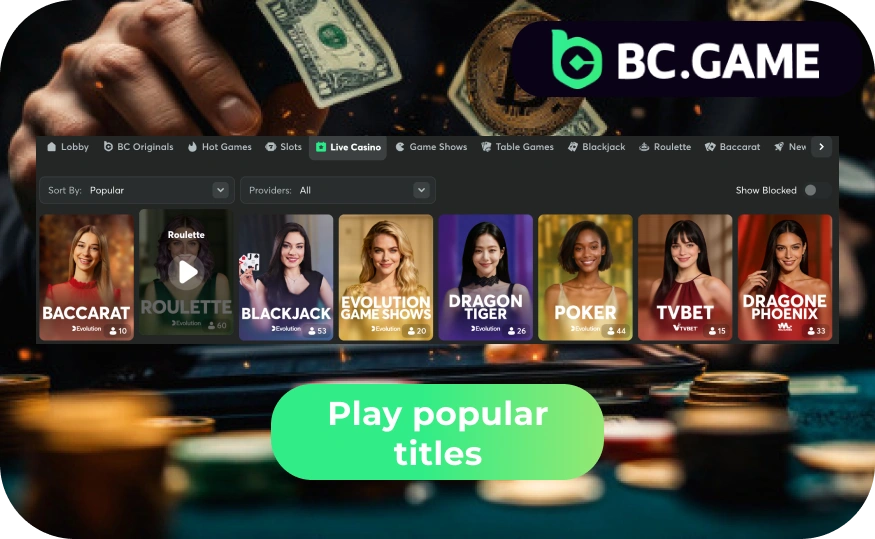
Slots, Live Dealers and Sic Bo
Slots differ in volatility, paylines and bonus rules. Common titles include:
- Gates of Olympus.
- Sweet Bonanza.
- Sugar Rush.
- Book of Dead.
- Fortune Tiger.
- Wanted Dead or a Wild.
Live dealer games stream a physical table. Common options include:
- Blackjack.
- Roulette.
- Baccarat.
- Sic Bo.
- Dragon Tiger.
- Crazy Time.
Sic Bo uses three dice and offers totals, combinations and number bets. Each market has a different probability and payout.
How to Bet on Sports from Malaysia
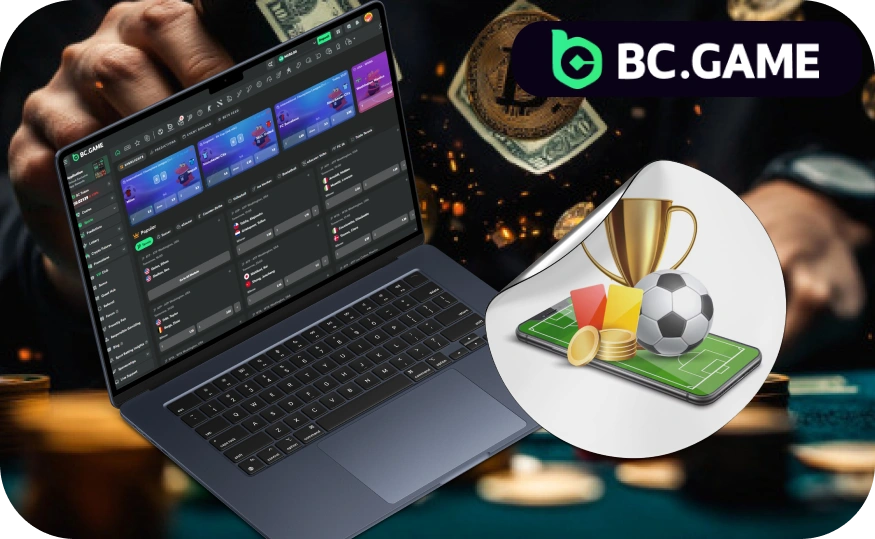
Open the sportsbook and select a sport, league and event. Coverage includes the English Premier League, La Liga, selected Malaysia Super League fixtures, BWF badminton and esports such as Dota 2, CS2 and Mobile Legends.
Prices can change before confirmation, especially live. Read the market label and settlement rules before using the bet slip.
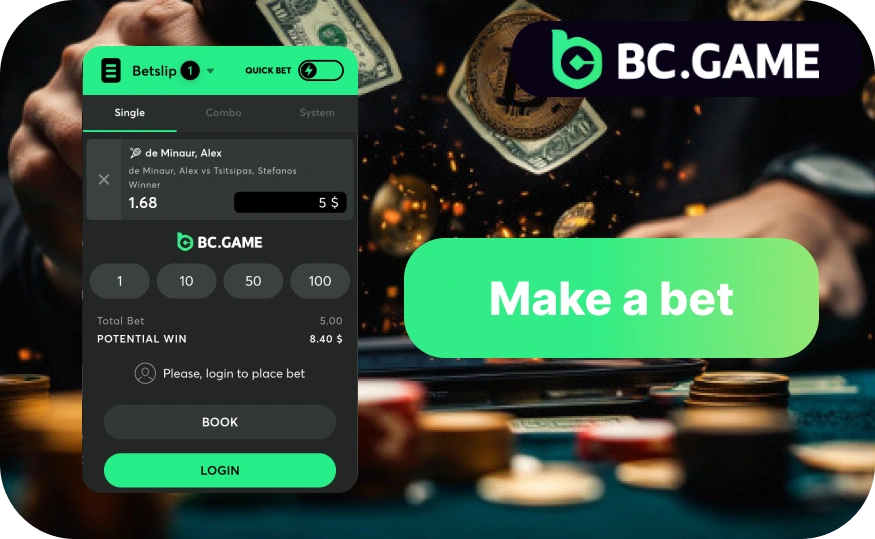
How to Place Your First Bet
- Choose a sport from the sportsbook menu.
- Select a league, tournament or live event.
- Choose a market, such as 1X2 or total goals.
- Enter the stake and review the possible return.
- Confirm the bet and check the open-bets section.
A selection is active only after the platform confirms the stake.
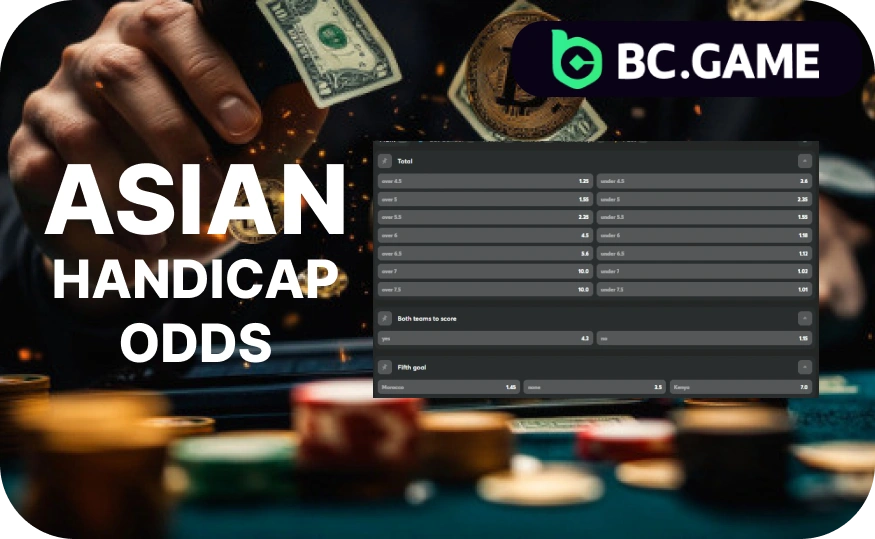
How to Read Asian Handicap Odds
Asian handicap applies a virtual goal advantage or disadvantage. A team at -0.5 must win. A team at +0.5 can win or draw. At -1.0, a one-goal win normally returns the stake, while a larger win succeeds.
- -0.5: The selected team must win.
- +0.5: The selected team may win or draw.
- -1.0: A one-goal win is normally a push.
- +1.0: A one-goal loss is normally a push.
- -0.25 or -0.75: The stake is split across two adjacent lines.
For example, -0.75 splits the stake between -0.5 and -1.0, allowing a mixed settlement.
Football and Esports Markets
Common football options include:
- Match winner (1X2).
- Over or under goals.
- Both teams to score.
- Asian handicap.
- Correct score.
- First goalscorer.
Esports coverage includes:
- Dota 2.
- CS2.
- Mobile Legends.
- Valorant.
- League of Legends.
Available esports markets may include match winner, map winner, map handicap, total maps, round totals and series score. Before placing a bet, check whether the selection applies to one map or the full series. Team rosters, game updates and tournament format changes can also affect market availability and settlement.
How Live Betting and Cash Out Work
Live betting updates prices after an event starts. A delay may apply while the platform checks for a key event.
Cash Out may settle an open bet before the event ends. Open the active bet and review the offered amount. It is not guaranteed and can rise, fall or disappear in real time. Treat it as an optional settlement feature, not a promised return.
How to Withdraw Your Balance
Complete KYC and activate two-factor authentication before requesting a withdrawal. Review any active promotion conditions because unsettled wagering requirements can restrict part of the balance. The receiving address and network must match the selected coin.
Processing includes an internal account check and a blockchain transfer. Verification issues, large amounts or anti-fraud review can add time. The user pays the network fee.
Withdrawal Step by Step
- Open Wallet and select Withdraw.
- Choose the cryptocurrency and matching network.
- Paste the receiving address and enter the amount.
- Review the address, minimum, fee and final amount.
- Confirm with the email code and 2FA code.
- Track the status until a blockchain hash appears.
A completed blockchain transfer normally cannot be cancelled or redirected.
How Long Withdrawals Take and What Can Delay Them
A pending status can indicate incomplete verification, a security review, inconsistent account data or an unresolved promotion condition. Network congestion affects the period after broadcast.
Withdrawal Times by Cryptocurrency
| Cryptocurrency | Typical Network Time | What Can Delay It |
| Bitcoin (BTC) | 10-60 minutes | Traffic, low miner fee or extra confirmations. |
| Ethereum (ETH) | 1-5 minutes | Gas spikes or chain congestion. |
| USDT (TRC-20) | Under 1 minute | Internal review or address issues. |
| Litecoin (LTC) | 2-10 minutes | Extra confirmations or exchange rules. |
| TRON (TRX) | Under 1 minute | Wallet maintenance or account checks. |
| XRP | Under 1 minute | Missing destination tag or receiver review. |
Times are approximate. Complete verification before a withdrawal becomes urgent.
How to Use BC Game on Mobile
BC Game online works through a responsive website that adapts the casino, sportsbook, wallet and account settings to smaller screens. Users can also install a Progressive Web App (PWA), which adds an icon to the Home Screen while the platform continues to run through the browser. Use a personal device, activate a screen lock and avoid saving login details on shared phones.
Setting Up on iOS (Safari)
- Click the button below to open BC.Game in Safari.
- Tap the Share icon.
- Select Add to Home Screen.
- Open the new PWA icon and sign in.
The PWA is not an application from the Apple App Store. It provides browser-based access through a Home Screen shortcut.
Setting Up on Android (APK)
Click the button below to access the official BC.Game download section. Select the Android APK and check the filename before installation. Your device may ask for temporary permission to install applications from the browser. Enable that permission only for the installation, open the downloaded file and follow the on-screen steps.
After installation, disable permission for unknown sources again. Do not download APK files from advertisements, private messages, forums or file-sharing pages because modified files may contain harmful software. Check the permissions requested by the application before opening it. The responsive browser version and PWA remain available when the APK source cannot be confirmed or when you prefer not to install a file.
How the VIP Programme Works
The VIP programme links eligible account activity to tier progress, with levels commonly moving from Bronze to Silver, Gold, Platinum and Diamond. The exact structure depends on the platform’s current rules.
Possible benefits include rakeback, cashback, Lucky Spin entries, level-up rewards, a personal VIP host and faster withdrawals. Frequent users may receive more value because progress is tied to qualifying activity, while occasional players may gain less from the tier system.
Rewards can include claim periods, eligible-game limits, wagering conditions or other account requirements. Users should review the current terms before relying on any benefit. Do not raise stakes only to reach another tier. VIP status does not change game probabilities, remove the house edge or cancel identity and security checks.
How to Protect Your Account
Activate 2FA before depositing and keep the backup code offline. Use a long password unique to BC Game Malaysia, and protect the connected email account with separate two-factor authentication. Review login and wallet activity after any unexpected notification.
Never share credentials, identity documents or wallet recovery phrases. Use a personal device, keep software updated and avoid login links in unsolicited messages. When copying a crypto address, confirm that clipboard malware has not changed it.
No online service removes all risk. If the password or authenticator device may be compromised, stop payment activity, change the password and contact support through the verified account channel.
Common Problems and How to Fix Them
A login failure may result from an incorrect password, expired code, browser data or an authenticator time mismatch. Reset the password through the verified email, set the phone time to automatic and clear the affected site data.
For a missing deposit, confirm the network, transaction hash and confirmation status. If the transaction is confirmed at the correct address, contact support with the hash, amount, coin, network and timestamp. Never share a private key or seed phrase.
A pending withdrawal can relate to incomplete KYC, promotion conditions, manual review or maintenance. Check account notifications first. If a page fails to load, test another current browser and connection. Attach screenshots that hide passwords, full identity numbers and authenticator secrets.
Gambling Law in Malaysia: What You Must Know
Gambling in Malaysia is restricted under federal law, principally the Betting Act 1953 and the Common Gaming Houses Act 1953. These laws address betting operations, gaming premises and related conduct. Penalties for offences can include fines and imprisonment, depending on the provision and circumstances.
For Muslim citizens, who form the majority of Malaysia’s population, gambling is also prohibited under Sharia law. State Sharia enactments can apply separately from federal civil legislation, so the legal framework may differ by religion and location. The Malaysian Communications and Multimedia Commission actively restricts access to gambling websites in cooperation with enforcement authorities.
BC.Game holds offshore Anjouan licence number ALSI-202410011-FI1. It is not a Malaysian licence and carries no legal authority in Malaysia. An overseas approval does not replace Malaysian law, and using cryptocurrency does not make the activity lawful.
Each individual is responsible for understanding and complying with the laws that apply to them. No payment method, account status or offshore licence changes that duty. Anyone uncertain about their position should obtain qualified local legal advice. This page provides legal information and does not provide instructions for avoiding MCMC restrictions or other controls.
The legal risk should be assessed before registration, not after a deposit or withdrawal problem occurs. Access to a website does not prove that its use is permitted, and successful payment processing does not confirm legality. Enforcement practice, statutory interpretation and state-level Sharia provisions can change. Readers should rely on current Malaysian legal sources and advice relevant to their personal circumstances rather than platform availability or statements made by other users.
Customer Support: How to Get Help
BC Game lists 24/7 live chat and may also provide email or Telegram channels. Use contact details shown inside the signed-in account or official help area.
For a payment issue, prepare the account email, coin, network, amount, timestamp and transaction hash. Add a screenshot of the status while hiding private wallet data. For KYC, state which document was rejected and include the exact message. For login errors, identify the device, browser and error text. A complete first message helps support investigate faster.
Responsible Gaming
BC.Game is for adults aged 18 or over, subject to stricter local rules. Casino games and betting are paid entertainment, not income. Past losses do not make a future win more likely.
Set deposit, loss and session-time limits before funding the account. Use cooling-off or self-exclusion tools when control becomes difficult. Do not borrow money, use essential household funds or increase stakes to recover a loss. Every spin, dice result and sports event has separate outcome conditions.
Malaysia’s legal position adds another serious risk. A person who cannot accept the possible financial and legal consequences should not proceed. If gambling is affecting work, relationships or finances, stop using the account and seek professional support from an appropriate local service.